
Compare Supplier Quotations Before You Order
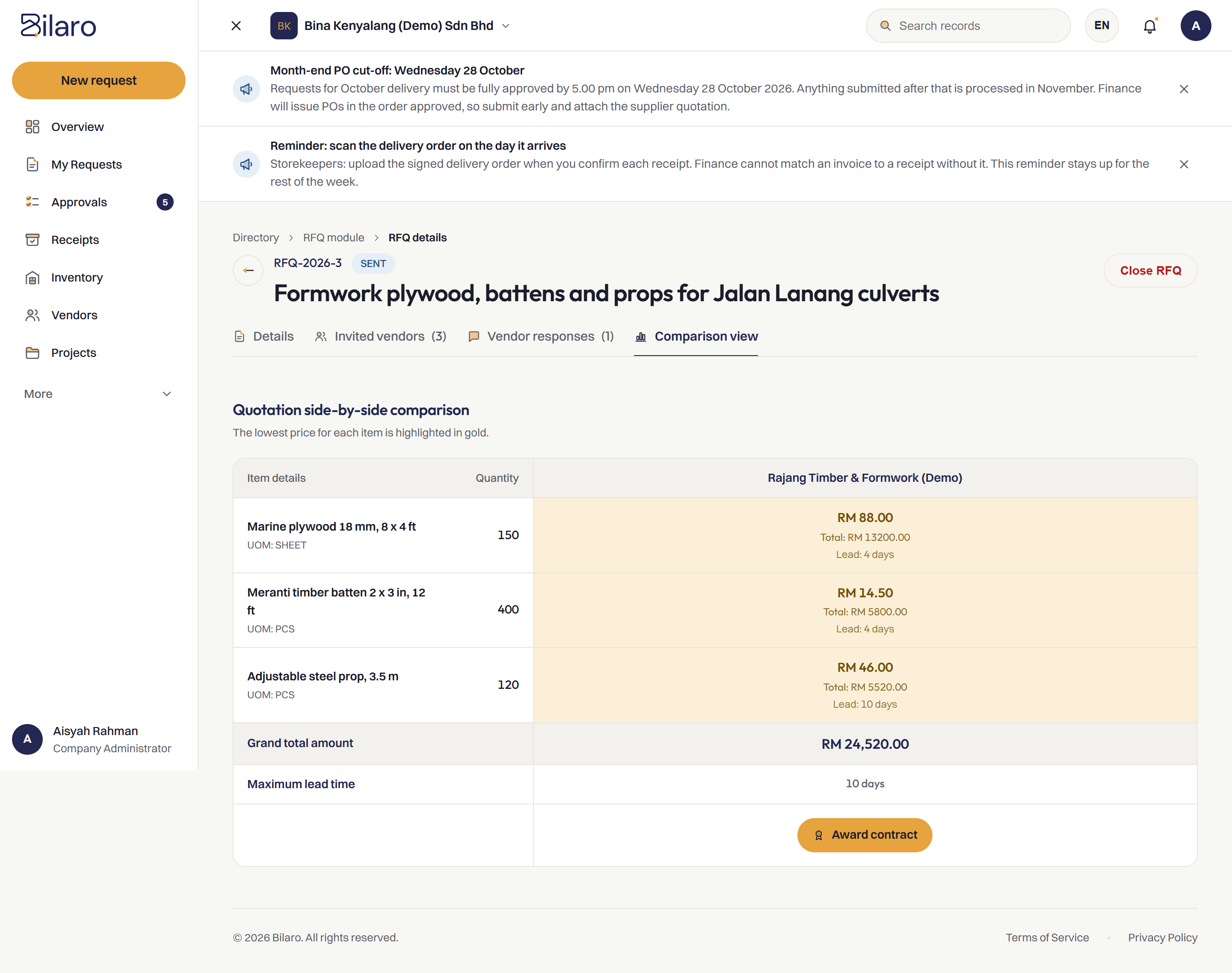
Record supplier quotations against each request and compare them side by side before you issue the PO.
Sound Familiar?
Supplier quotations often arrive across multiple channels with no structured way to evaluate them. These are the problems we hear about most.
Quotations scattered across channels
Quotes arrive through WhatsApp chats, forwarded emails and paper slips, with no central place where they are collected.
Manual spreadsheet comparison
Staff retype every quote into a new spreadsheet to compare items, adding manual work and data entry errors each time.
The cheaper quote gets lost
A better price was sent to someone who is on leave or on site, and the order goes out at a higher price.
No record of supplier selection
When asked why a particular supplier was awarded the work, nobody can point to the quotes that justified the decision.
Lead times and terms overlooked
Decisions focus only on the headline price, while delivery dates, payment terms and validity periods are missed.
Approvers see the PO in isolation
Managers are asked to approve a purchase order without seeing the competing quotations that led to it.
Suppliers picked out of habit
Orders go to the same familiar supplier because finding and comparing alternatives takes too much time.
Audit requests cannot be answered
When auditors or management ask for supporting quotations, teams spend days searching inboxes and chat archives.
How Bilaro Fixes It
Each problem above has a matching answer in Bilaro, keeping quotations organised and side by side before money is committed.
Quotes kept with the request
Record each supplier quotation directly against the purchase request, instead of leaving quotes in personal inboxes or chat threads.
Side-by-side comparison
Compare prices, line items and delivery lead times in one clean layout before deciding which supplier to award.
Selected quote carries to the PO
Once a quotation is chosen, the vendor and pricing details carry straight through to the purchase order without retyping.
Full visibility for approvers
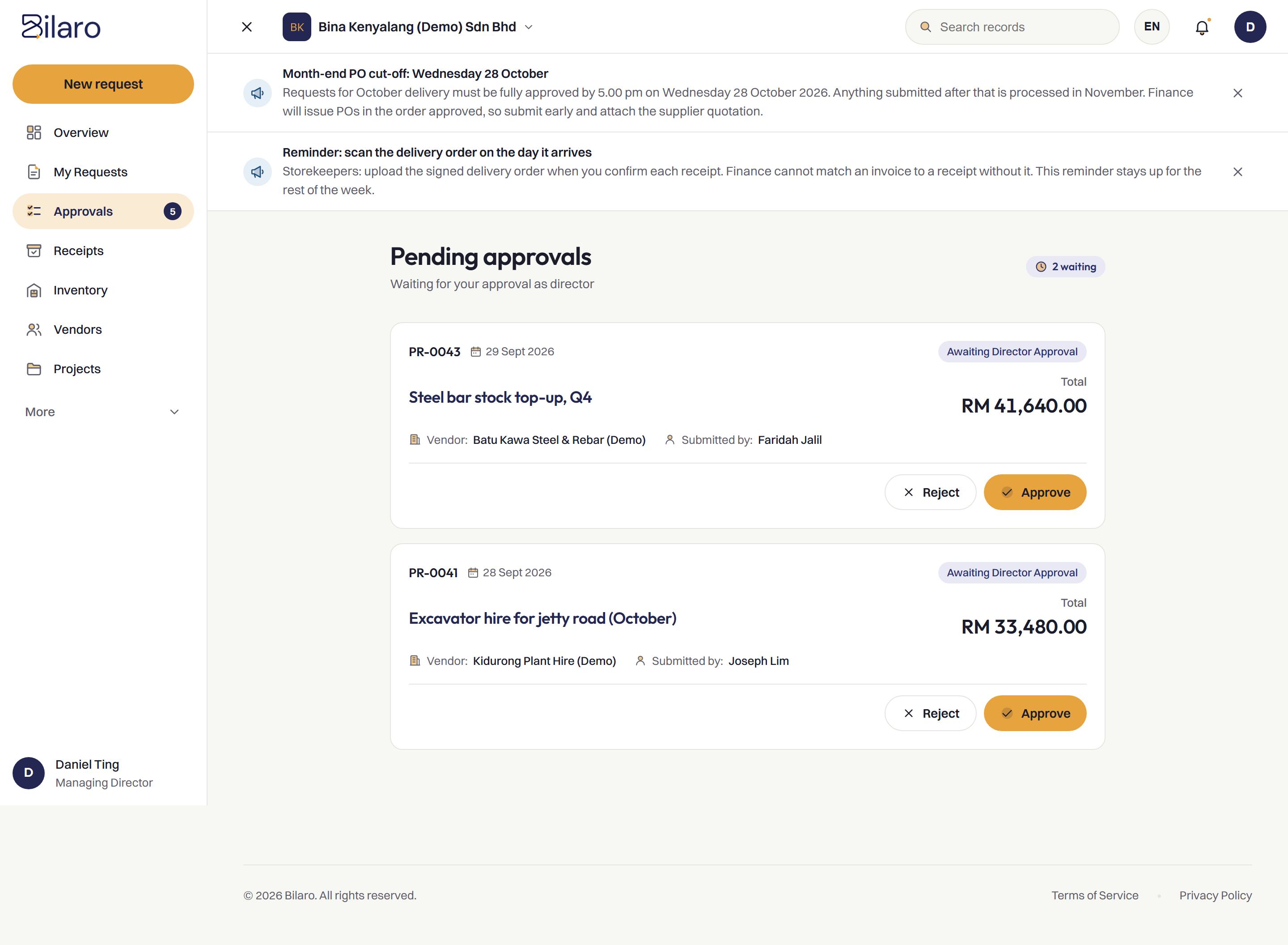
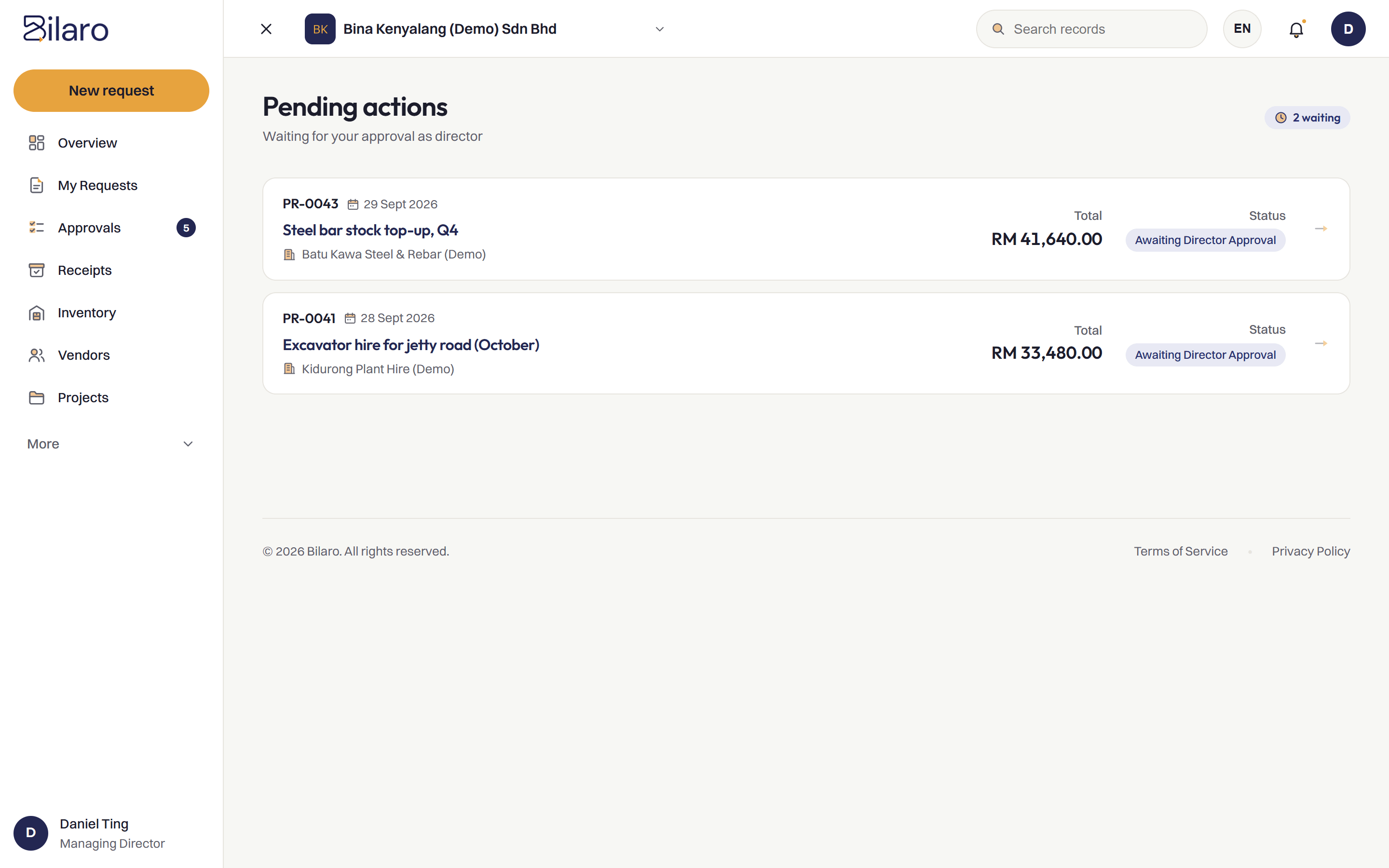
Approvers review competing quotations alongside the request, giving them the context they need before signing off.
Connected to your vendor register
Select suppliers directly from your approved vendor register, keeping company details and contacts consistent.
Traceable audit trail
The comparison and the winning quote stay linked to the request in the audit trail.
How It Works
Request approved
The team raises a purchase request and gets initial approval to source materials.
Quotations recorded
Quotations received from suppliers are recorded directly against the request.
Compared side by side
Prices, quantities and lead times are laid out in a side-by-side comparison.
Winning quote becomes the PO
The selected quotation becomes the purchase order for the chosen vendor.
Built for Malaysian Teams
- RM and SST on the PO.
- Works next to your accounting software, such as SQL Account and AutoCount, rather than replacing it.
- Microsoft 365 and Google sign-in.
- Run several companies under one login on the plans that include it.
- A vendor register to issue POs from.
Related Reading
How to choose procurement software in Malaysia
Key requirements to consider when selecting procurement software for Malaysian operations.
Read the article →Purchase order system
Generate clean, professional purchase orders from approved requests and quotations.
Explore the feature →Central vendor register
Keep supplier records, contact details and documents organized in one place.
Explore the feature →Purchasing control: software vs manual
How digital workflows enforce purchasing controls compared to spreadsheets and paper.
Read the article →Frequently Asked Questions
It is software that lets you record supplier quotations against a purchase request and compare prices, lead times and terms side by side before you issue a purchase order.
You can compare as many as you receive for the request. Every quotation is stored alongside the request so your team can evaluate them together.
Yes. Approvers can view all quotations recorded against the request before making an approval decision.
No. Suppliers do not need a Bilaro account. Your team records the quotations that suppliers send you by email, message or paper.
Yes. The Free plan covers 5 purchase requests a month, monthly expenses (payroll, rent and utilities), petty cash and projects up to RM100,000, for 2 users in 1 company. No card is needed.
Compare supplier quotations before you order.
Free plan for 2 users. No card needed.