
Purchase Approval Software for Malaysian Construction & Oil & Gas Teams
Purchase requests, approvals and POs in one traceable flow, with approvals from a phone, built for teams working across sites.
Sound Familiar?
Most purchase approvals still run on chat groups, paper forms and memory. These are the problems we hear about most.
Approvals buried in WhatsApp
A quotation photo, a "can ah boss?", and nobody can find it a week later.
"Who approved this?"
There is no record of who said yes, when, or for how much.
Orders placed before approval
The vendor is already delivering and the paperwork is chasing behind.
The approver is on site
The PO waits days because the boss is not at a desk to sign.
Large and small purchases get the same approval
A small order and a large one go through the same approval, or no approval at all.
Quotations go missing
The cheaper quote was emailed to someone who has since left.
Paper forms and scanned signatures
Printed, signed, scanned, lost.
Finance cannot match the invoice
The PO, the delivery order and the invoice all say different things.
Nobody knows what is still pending
Requests sit in someone's inbox with no reminder.
Audit season panic
Weeks are spent rebuilding the approval trail from chats and folders.
How Bilaro Fixes It
Each problem above has a matching answer in Bilaro, so approvals stay on the record instead of in a chat.
Requests and approvals on one record
Each request shows who requested it, who approved it, when, and the amount. Nobody has to ask who said yes.
Routing by value
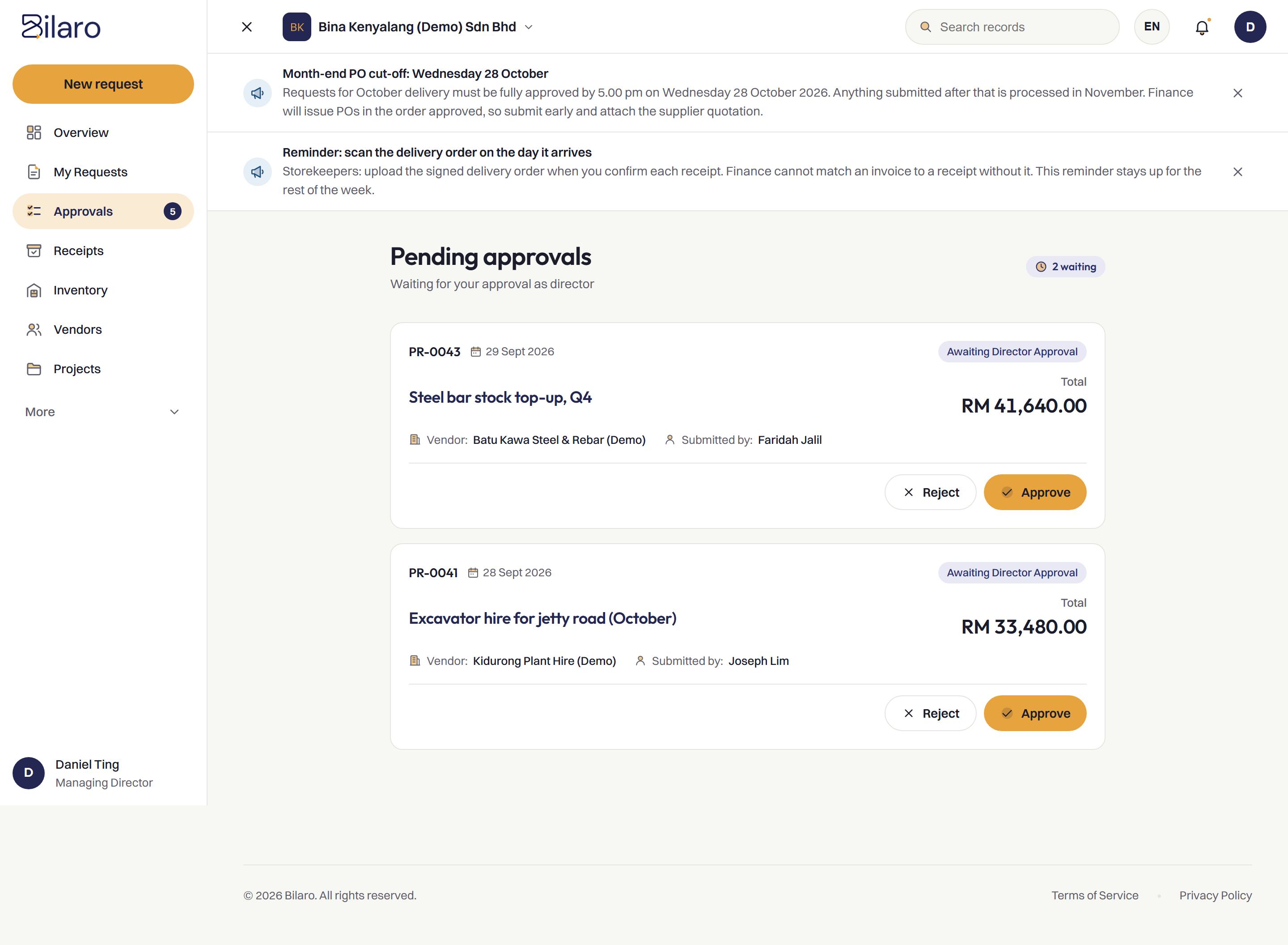
Your company sets one approval limit. A request below it goes to a Manager. Above it, a Director must approve as well, so orders are not placed before approval.
Approve from a phone
Bilaro works in the phone's browser, with no app to install. An approver on site can approve without going back to a desk.
Quotations attached and compared
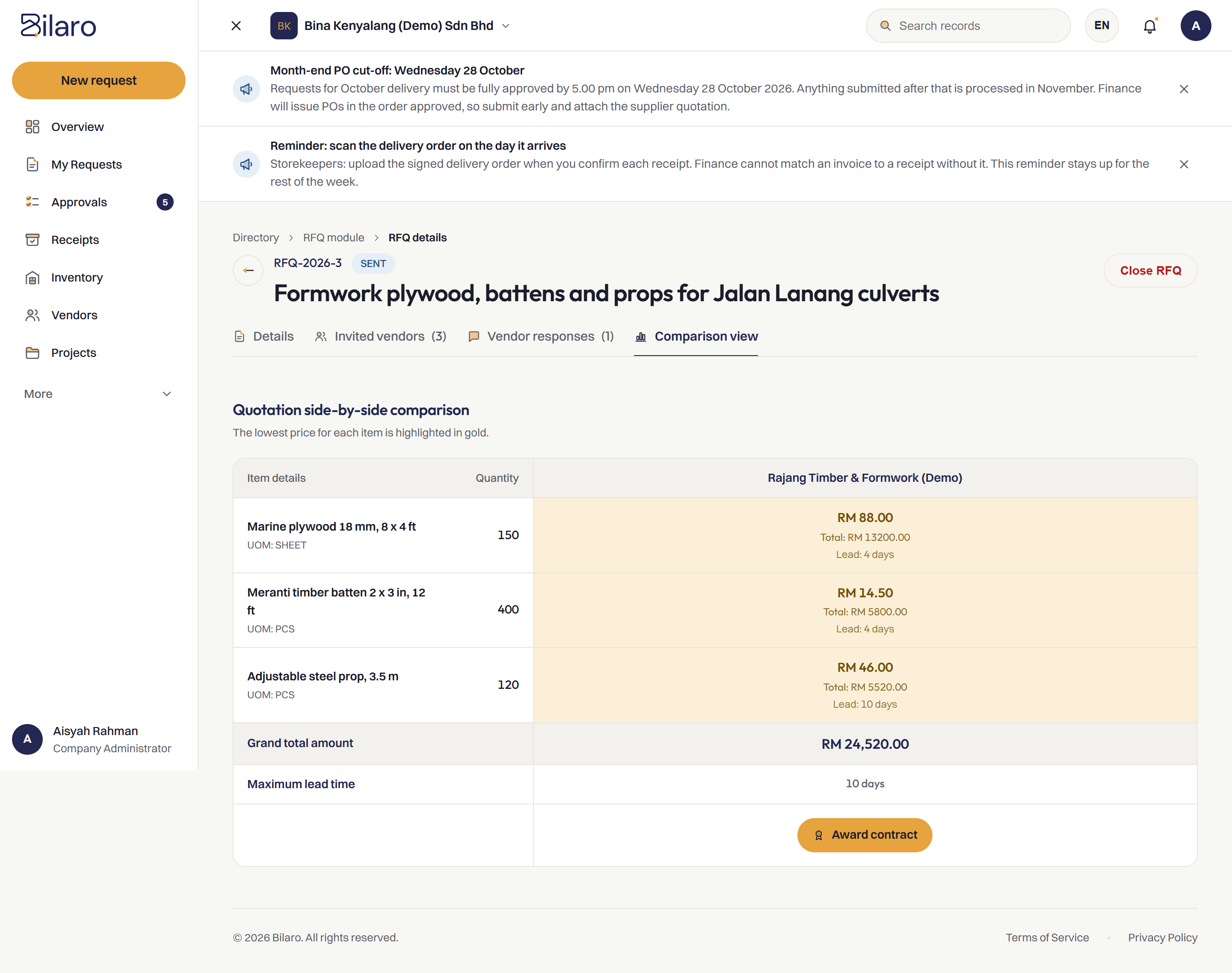
Quotations stay with the request and can be compared side by side before the PO is issued, so none goes missing.
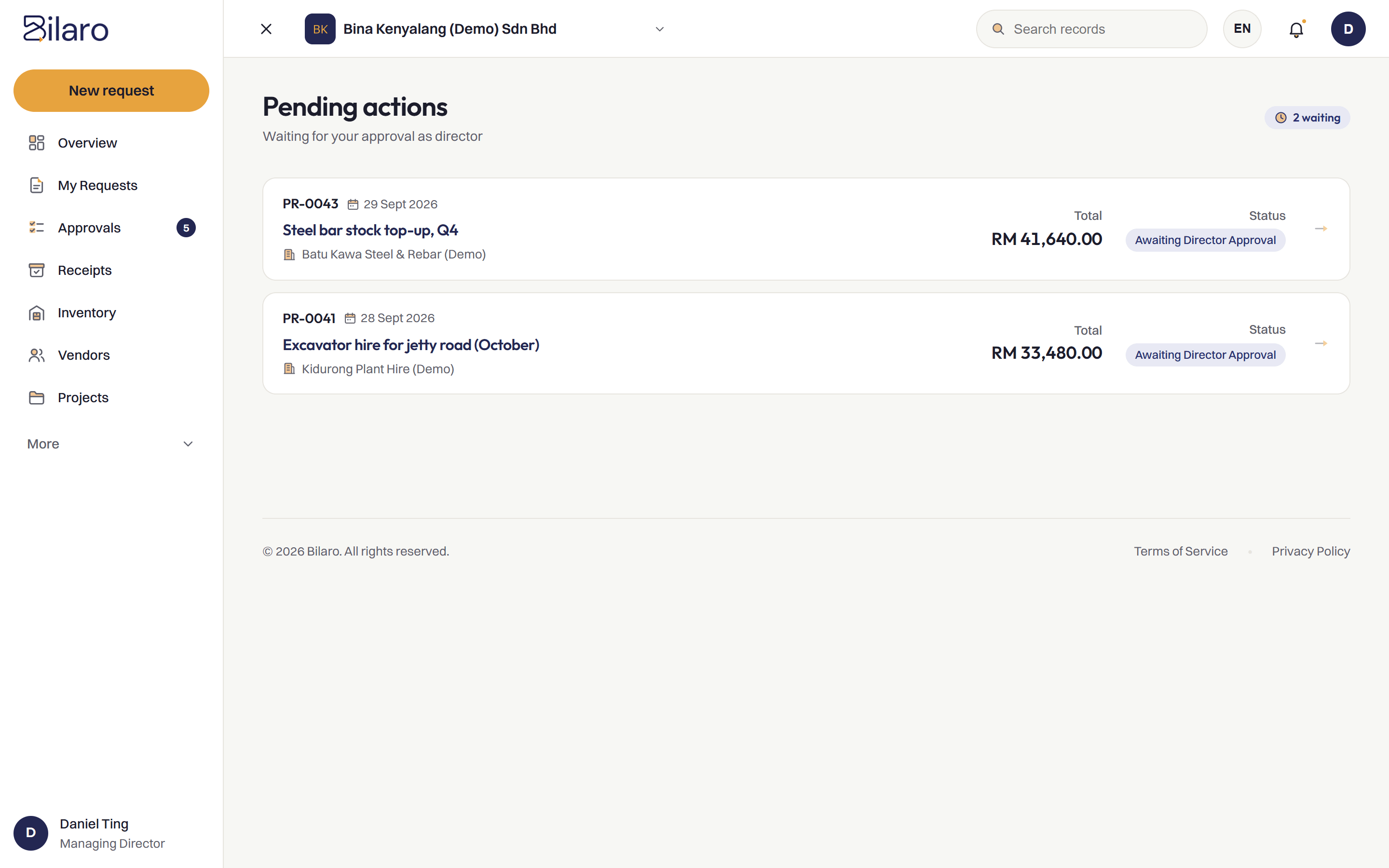
A pending queue for approvers
Approvers see what is waiting for them in one place, instead of requests sitting unseen in an inbox.
Every step kept in an audit trail
Each action is recorded, so the approval history is already there when someone asks. Read more about the audit trail.
How It Works
Raise the request
The site team raises a purchase request.
Route to the approver
It goes to a Manager, and to a Director as well above your approval limit.
Issue the PO
The approved request becomes a PO on your letterhead.
Receive and match
Goods received are recorded on site and matched before payment.
Built for Malaysian Teams
- RM and SST on the PO.
- Works next to your accounting software, such as SQL Account and AutoCount, rather than replacing it.
- Microsoft 365 and Google sign-in.
- Run several companies under one login on the plans that include it.
- A vendor register to issue POs from.
Related Reading
Moving approvals off WhatsApp
A guide for site teams who approve in chat groups today.
Read the article →Frequently Asked Questions
It is software that routes each purchase request to the right approver and records every decision before a purchase order is issued, so there is a clear record of who approved what.
Yes. Bilaro works in the phone's browser, so an approver on site can review and approve a request without installing an app.
Your company sets one approval limit. A request above it needs a Director as well as a Manager; below it, a Manager approves. Routing is automatic and the amount includes SST.
No. Bilaro works next to your accounting software. Bilaro handles purchasing, and your accounting software handles the books.
Yes. The Free plan covers 5 purchase requests a month, monthly expenses (payroll, rent and utilities), petty cash and projects up to RM100,000, for 2 users in 1 company. No card is needed.
Get every purchase approved before it is ordered.
Free plan for 2 users. No card needed.